Real available
Physical stock minus reservations, colored thresholds and search by code, brand, size, color or location.
 REQUEST A QUOTE
Windows application for companies managing materials, batches, 3.1 certificates, debits and projects. Data stays local, and the team sees available stock, reservations, shortages, and the history of every move.
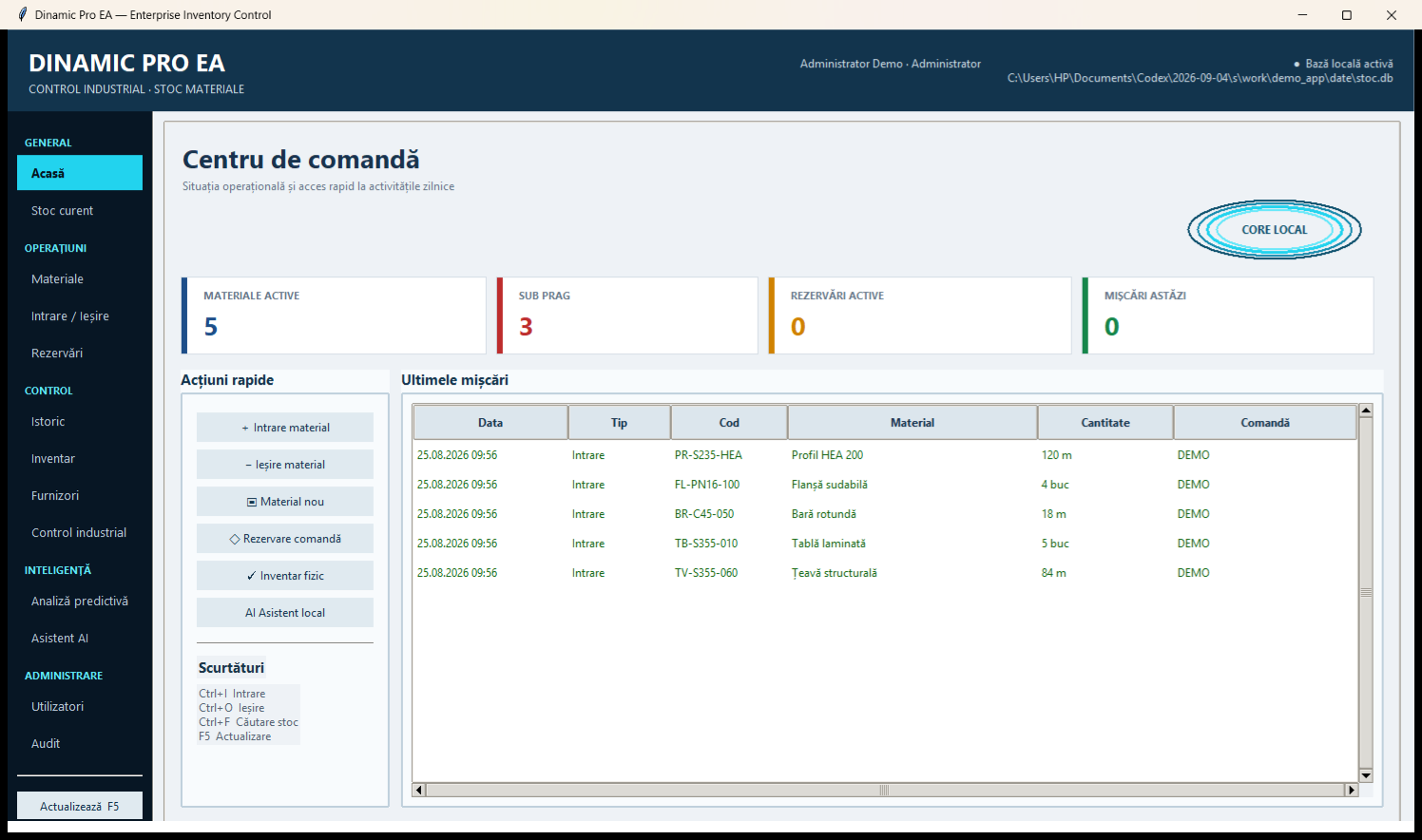
From receipt to consumption, each operation maintains the link between material, batch, batch, certificate, location and project.
Physical stock minus reservations, colored thresholds and search by code, brand, size, color or location.
Quarantine at reception, quality control and connection between lot, certificate and movement.
Individual tracking, clipping loss, best-fit selection, and waste utilization.
Necessary calculated per project, with reservations and visibility on positions to be supplied.
Locations describe the actual warehouse, and transfers keep the history of the material.
Controlled regularizations, roles, audit log, backup and database integrity checking.
Locally generated PDF labels for materials, lots and locations.
Thresholds and requirements from projects support order preparation.
Controlled queries on stock and certificates, processed locally.
Quality control blocks the use of unaccepted materials and preserves documentary evidence.
Supplier, documents, batch and quantity.
Batch is awaiting verification before use.
Accepted, Conditional, Blocked or Rejected.
The output preserves the batch and the associated certificate.
Work screens for quick decisions, without separate sheets and parallel records.
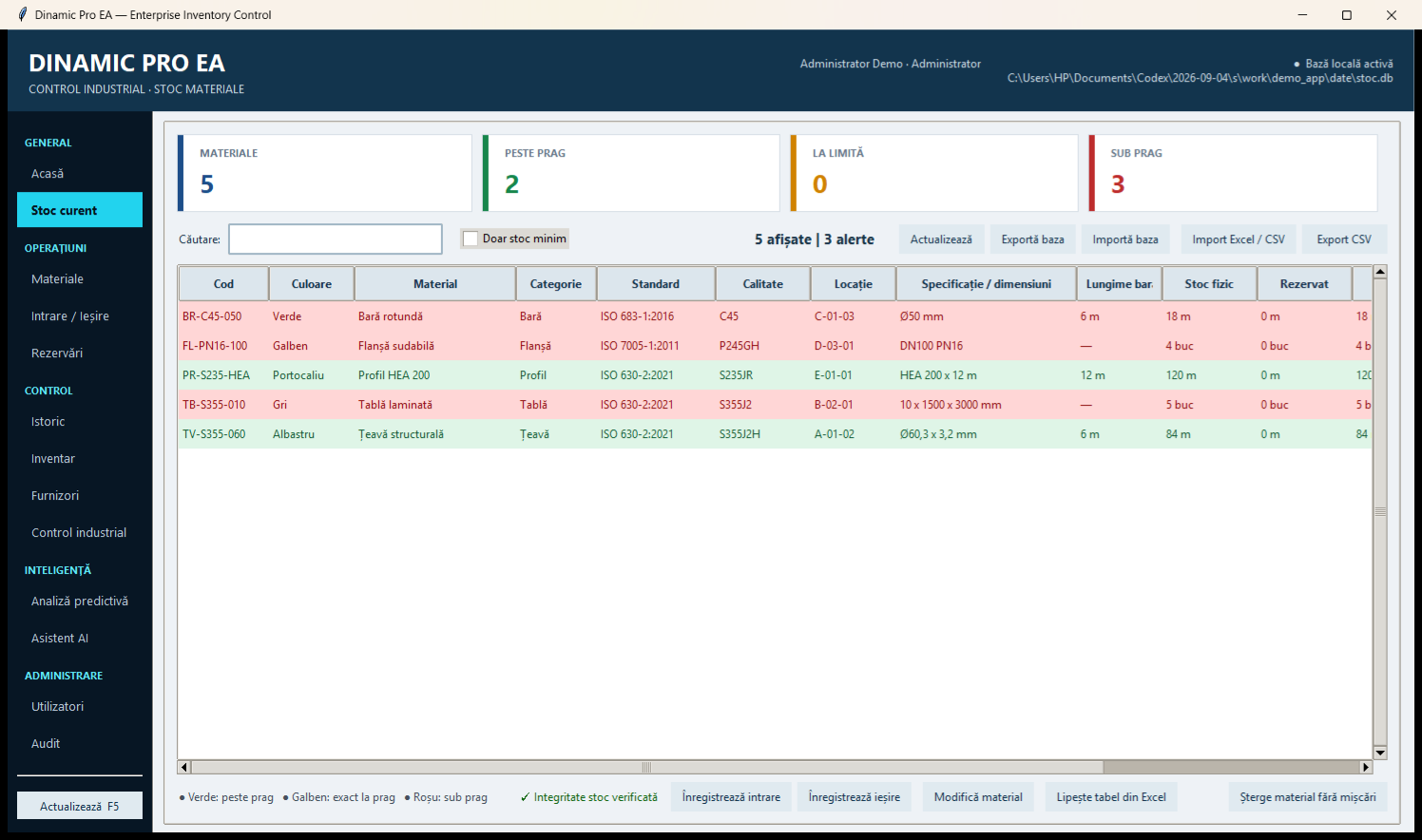
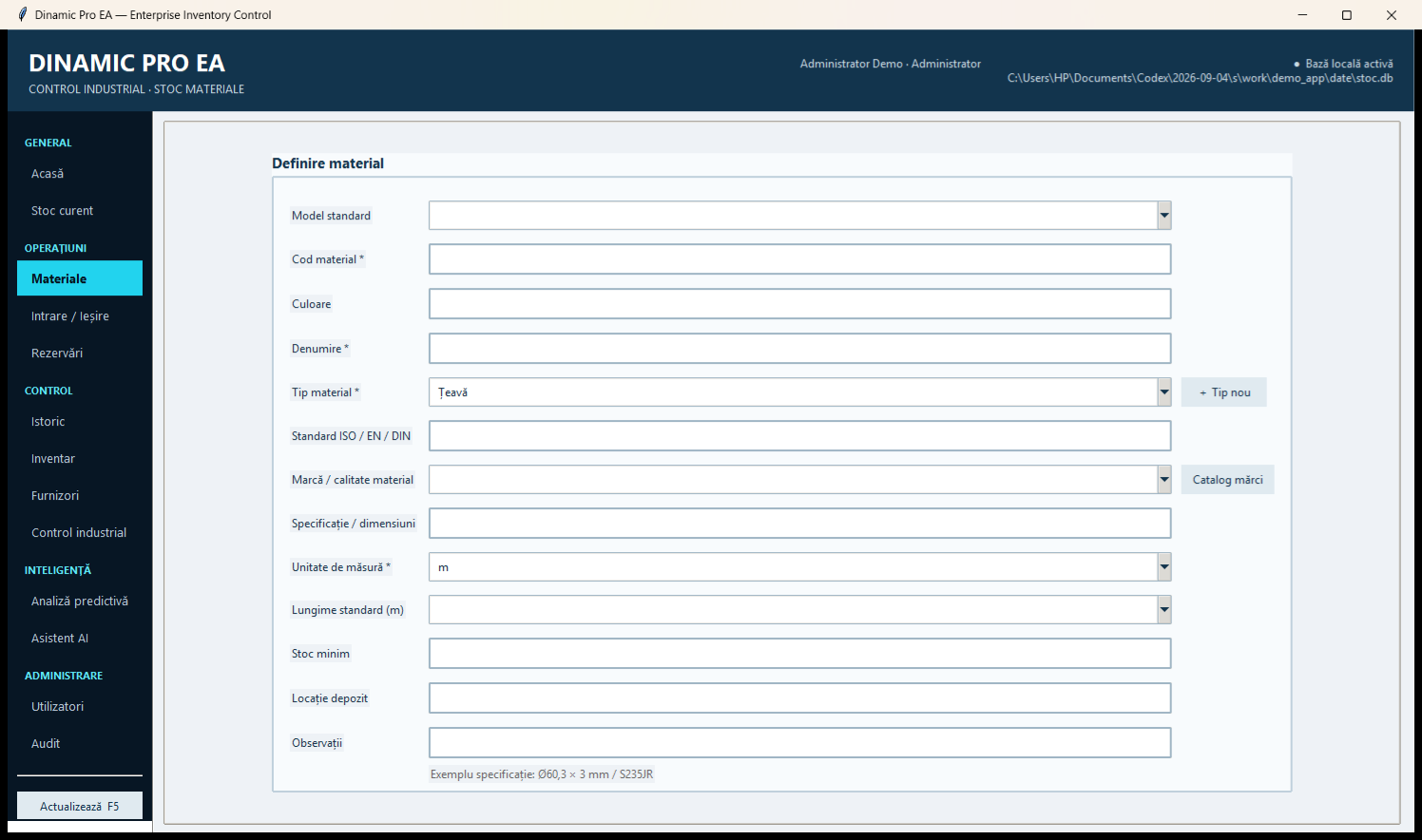
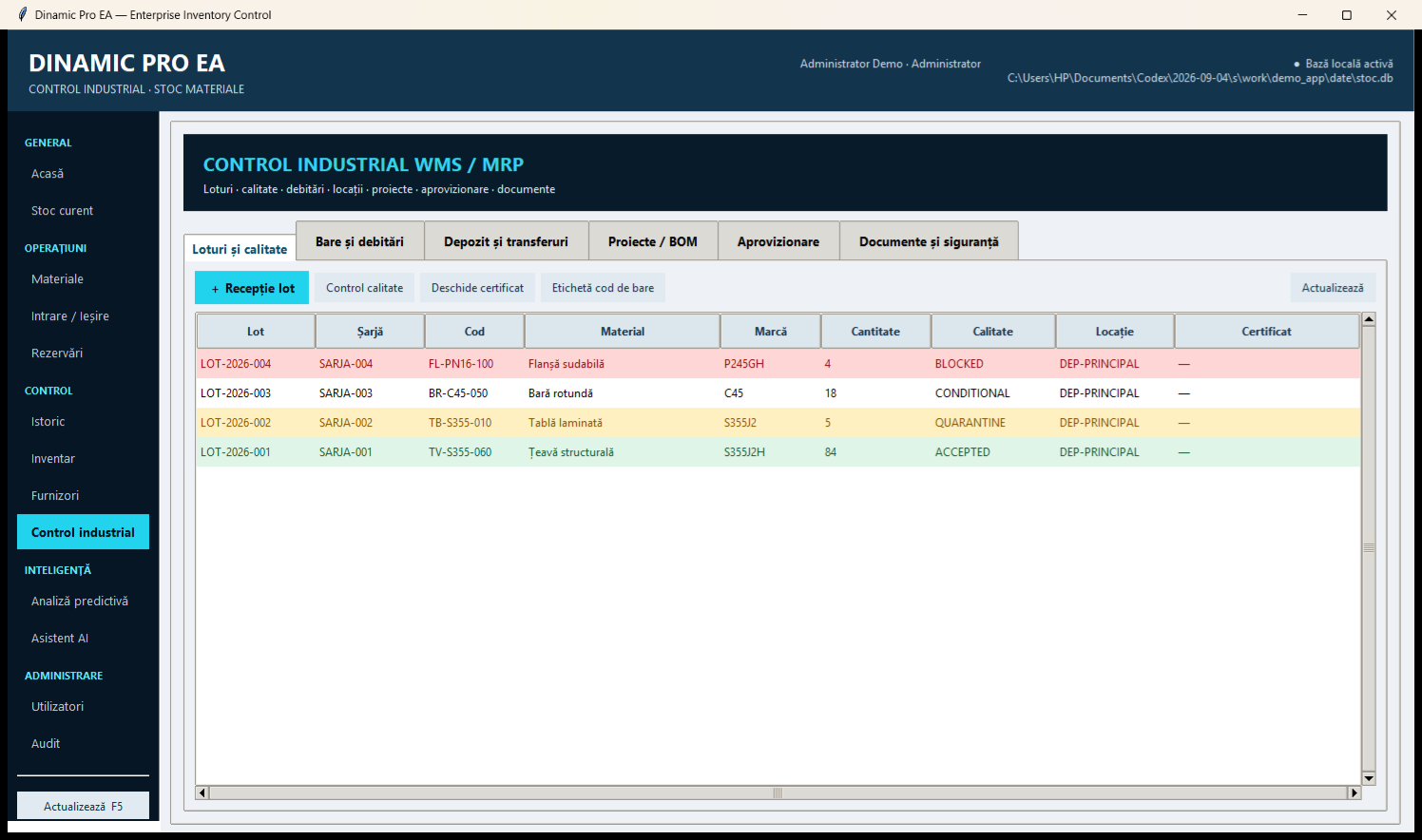
The solution runs on Windows, with local base and offline activation. It does not require a cloud subscription and does not automatically transmit work data to external services.
DISCUSS CONFIGURATIONThe final offer is determined after validating the nomenclature, data volume and workflow.
Validation of materials, brands, units, locations and documents.
Load initial base from Excel and check stocks.
Operator training, initial inventory and scenario validation.
Send the current BOM or an example Excel file. Configuration and pricing available upon request.